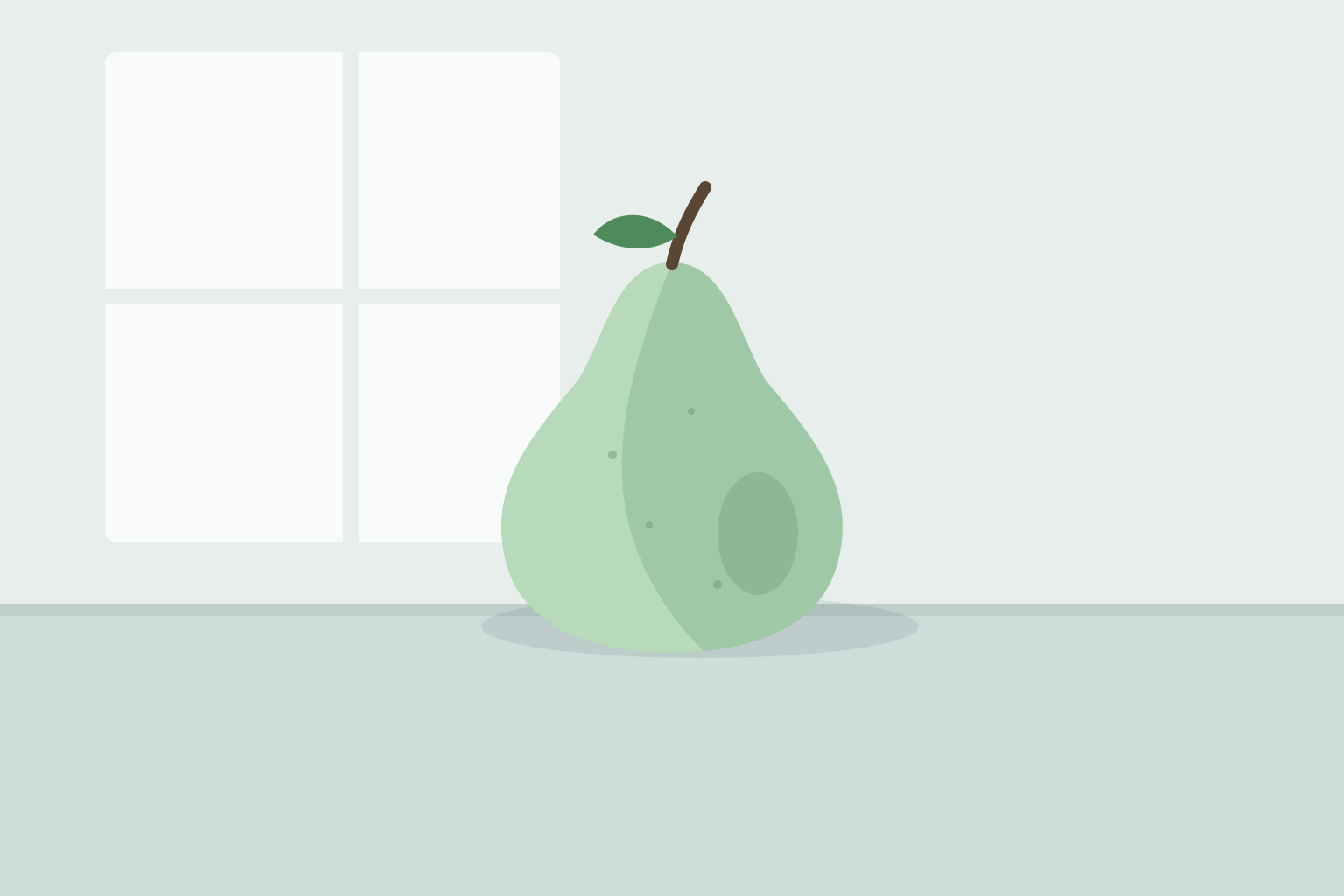
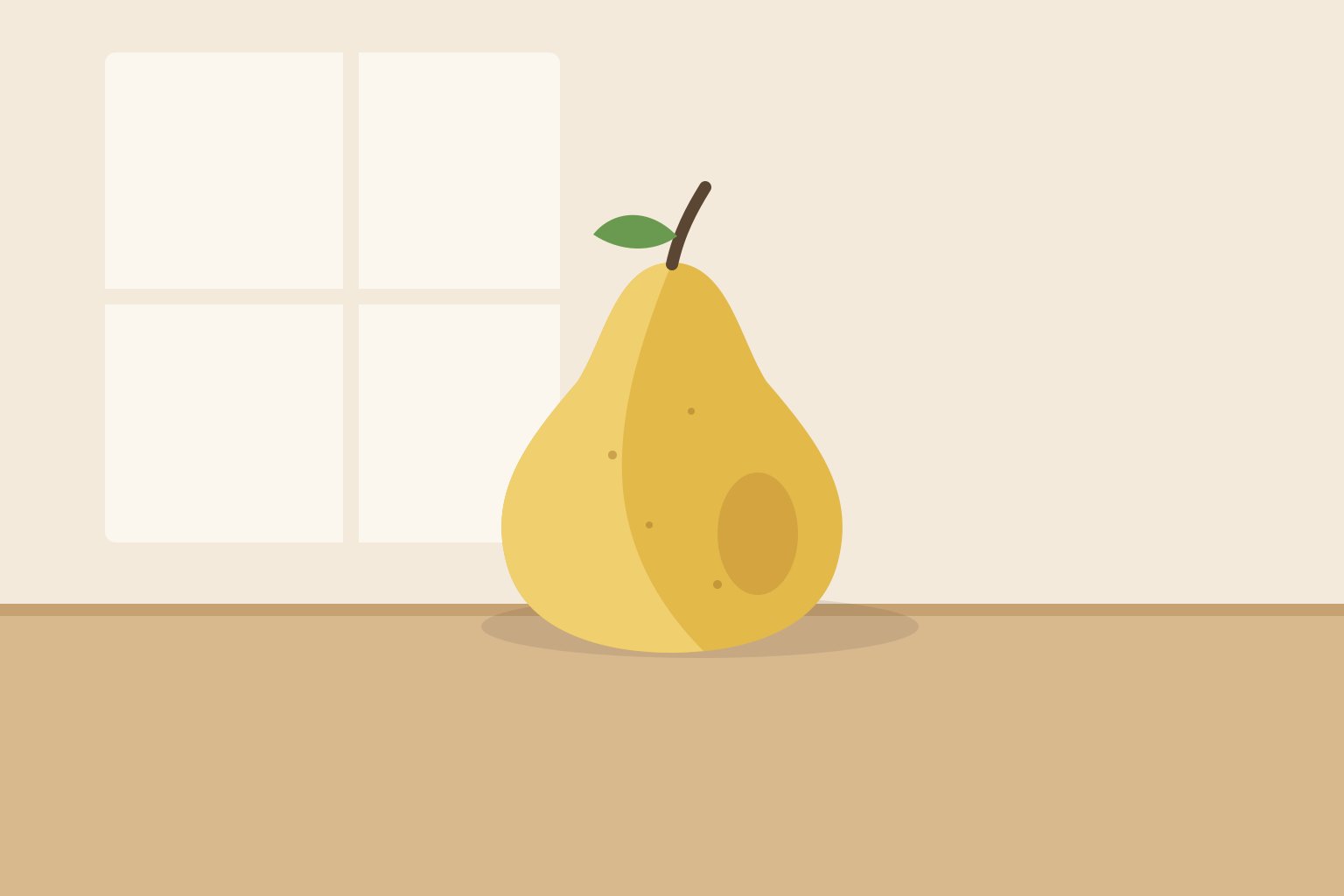
The essay in the editor, with the picture Designer placed under the opening paragraph, selected, and its controls beside it: Edit image, Regenerate image, Download image, and Delete image.
Every morning for forty days, I set one Bartlett pear on the kitchen table, under the north window, and painted it before the light changed. Same pear, same table, same hour. My cat, the critic, watched the first eleven from the chair, then gave up.
The early paintings are all outline. By pear #12 I was copying what I knew a pear looks like, not the one in front of me. Around #20 the fruit began to bruise and lean, and I had to look again every day, because it was no longer yesterday’s pear.
You only see it by the thirtieth try: the freckles, the brown at the stem, the way the skin takes the window. The painting stopped being a picture of a pear and became a record of looking. It’s just a pear.
Make a picture
Describe it. Designer draws it.
Click Generate image in the draft and say what you want. Designer reads the text around your caret and your design guidelines, picks the shape, and draws it.
The picture lands where your caret was.
Generate image
A pear on the kitchen table under the north window, morning light, flat shapes, no text
Change a picture
Ask for warmer, or no text in it.
Tell Designer what to change in the picture’s conversation. It looks at the picture before it redraws, and the new one replaces the old in your draft.
Edit image, Regenerate image, and Download image sit beside the picture.
Nell
Warmer. It’s a Bartlett, so more yellow. And keep the window.
Designer worked through 3 steps
I redrew it warmer: the pear in a Bartlett yellow and the table in a warmer wood, with the window where it was. The picture in your draft is replaced.
Download image
Part of the team
Ask it yourself, or through Editor.
Ask Designer from the Studio bar, and the picture arrives in your Inbox. Or ask Editor, and it commissions Designer and reports back in your conversation.
Designer follows the design guidelines you set on Team.
Designer
Designer
@designer
Makes illustrations and artwork
Edits and redraws pictures
Follows your design language
FAQ
Frequently asked questions
No. Designer makes pictures. It places one where your caret was and changes nothing else in the draft.
Into your draft, as an image where your caret was. A picture you ask for from the Studio bar arrives in the Inbox, with Download image under it.
Yes. Say what to change in the picture’s conversation, or click Edit image beside it. Regenerate image draws the same request again.
An owner or admin picks one on Team: GPT Image 2.5 Flare or Sunburst, Nano Banana 2.1 or Pro, or Seedream 4.5. The same tab sets the image generation effort.
Add design guidelines on Designer’s Configure tab on Team. Every picture it makes follows them.
It comes out of your workspace’s usage allowance, like every other agent’s work. The effort setting on Team decides the price of each picture.