/check-grammar
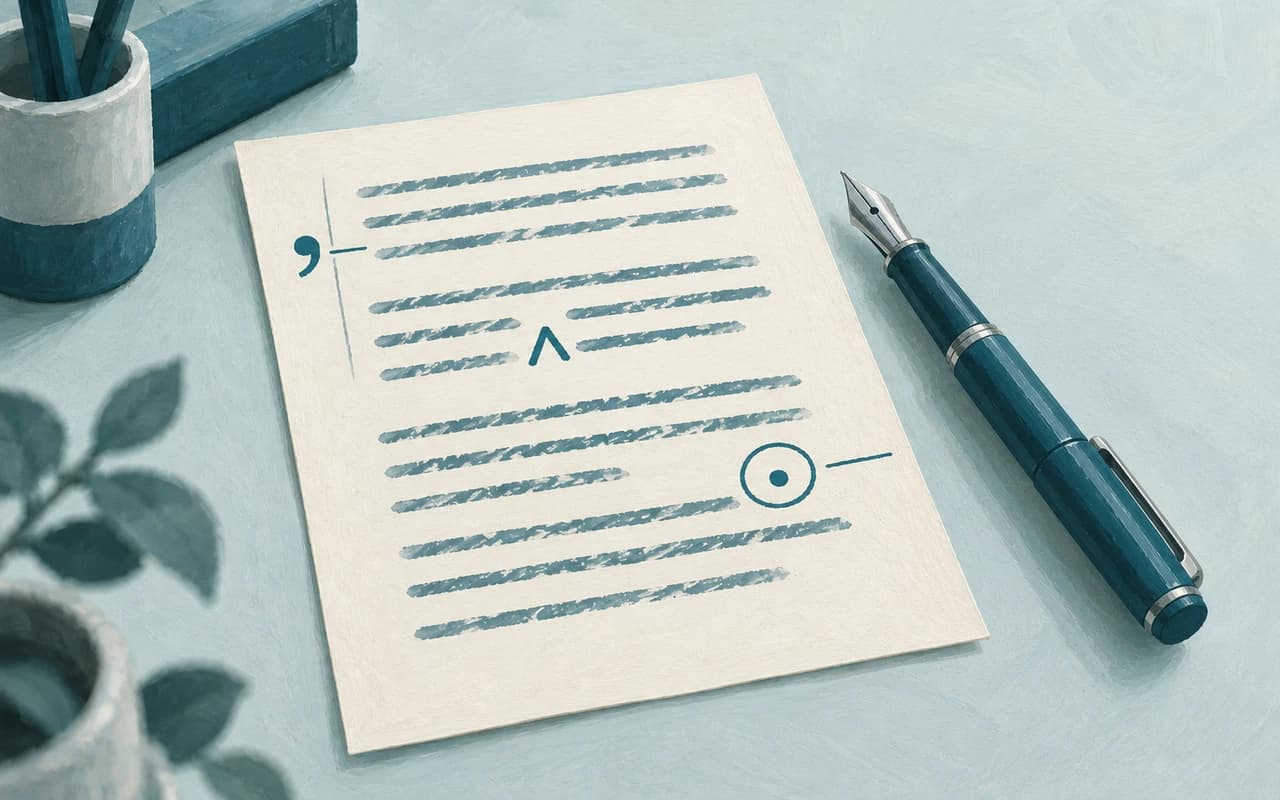
Catches typos, punctuation slips and grammar errors, and leaves your voice alone.
Use skills to check facts, fix grammar, shorten a draft, or create social posts from it. Type / in a draft and choose a skill.
The Skills page in Settings: the skills added to the workspace, each with its picture, its name, and what it does, and more skills under them.
One / away
In a draft, type / in the bar under the page. The skills your workspace added appear, and you pick one.
Or skip the slash, and ask Editor for a skill by name.
Results
Depending on the skill, it suggests edits, adds comments, or writes a response in chat. Click Learn more on a skill’s card to see what it does.
Nothing changes in your draft until you accept it.
How it works
In Settings, open Skills and click Add on a card.
In a draft, type / in the bar under the page and pick the skill.
Click Accept or Reject on each edit it stages, and Resolve each comment you’re done with.
FAQ