Markdown is a plain-text format that preserves headings, lists, and links. Download your draft to keep a copy or import it into a publishing tool that supports Markdown.
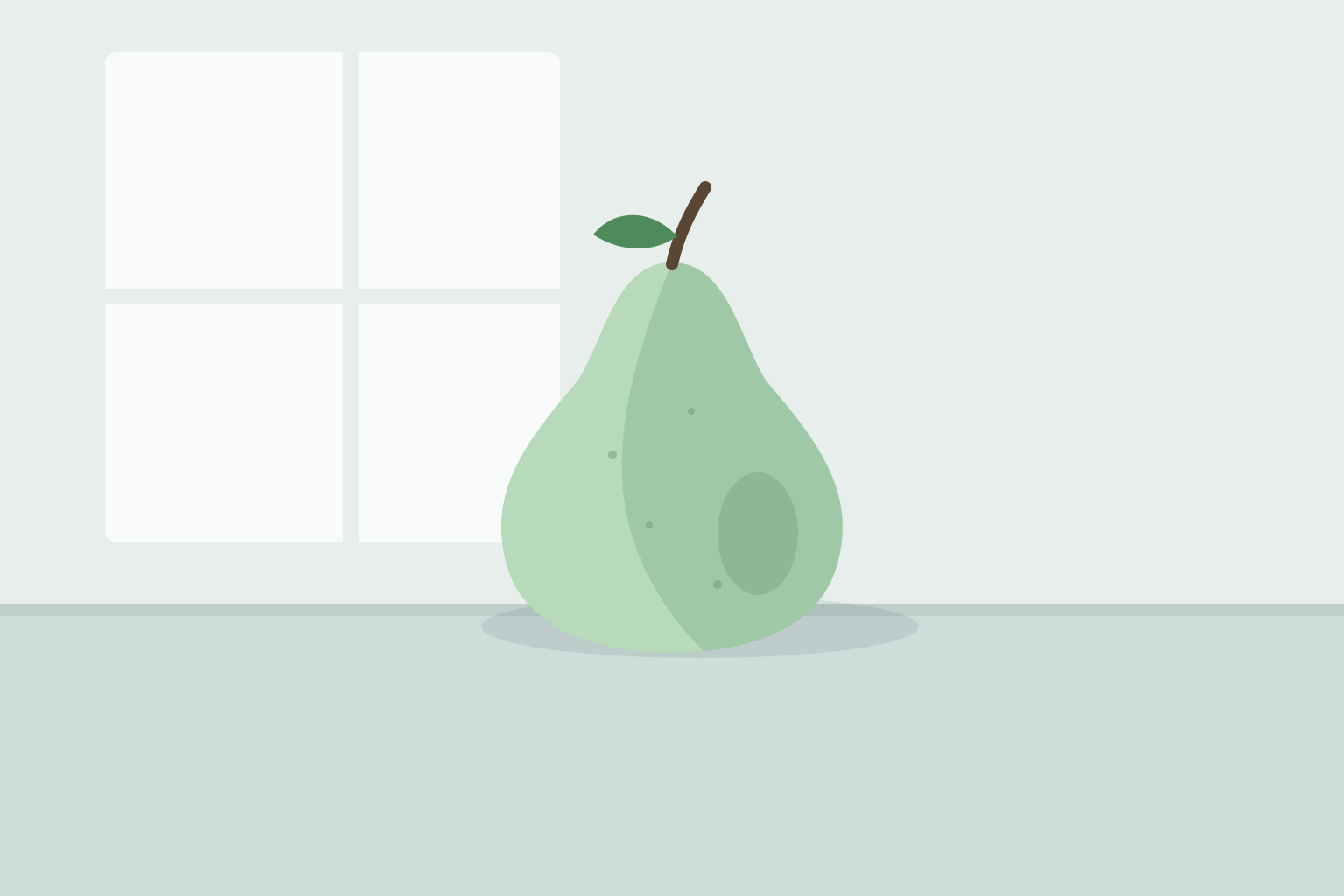
Every morning for forty days, I set one Bartlett pear on the kitchen table, under the north window, and painted it before the light changed. Same pear, same table, same hour. My cat, the critic, watched the first eleven from the chair, then gave up.
The early paintings are all outline. By pear #12 I was copying what I knew a pear looks like, not the one in front of me. Around #20 the fruit began to bruise and lean, and I had to look again every day, because it was no longer yesterday’s pear.
You only see it by the thirtieth try: the freckles, the brown at the stem, the way the skin takes the window. The painting stopped being a picture of a pear and became a record of looking. It’s just a pear.
ReviewContinue writingGenerate imageAutopilot
Ask Editor or type '/' for skills.
Open edits
Your call on every open edit.
If suggested edits are unresolved, Everdraft asks how to handle them before downloading the file. Choose Export as written to keep the current text, or Accept all and export to apply every suggested edit first.
Every morning for forty days, I set one Bartlett pear on the kitchen table, under the north window, and painted it before the light changed. Same pear, same table, same hour. My cat, the critic, watched the first eleven from the chair, then gave up.
The early paintings are all outline. By pear #12 I was copying what I knew a pear looks like, not the one in front of me. Around #20 the fruit began to bruise and lean, and I had to look again every day, because it was no longer yesterday’s pear.
You only see it by the thirtieth try: the freckles, the brown at the stem, the way the skin takes the window. The painting stopped being a picture of a pear and became a record of looking. It’s just a pear.
Generating image
Export this draft?
1 suggested edit is still open. It isn't part of the draft yet.
CancelExport as writtenAccept all and export
How it works
From the draft to a file.
01
Click Export
In the editor, click Export. If your workspace has Ghost connected, choose Download markdown.
02
Everdraft saves it
It saves your latest words first, so the file holds everything you wrote.
03
The file saves
It downloads with the title as its name: forty-paintings-of-the-same-pear.md.
FAQ
Frequently asked questions
The draft’s text, in Markdown. Headings, lists, quotes, links, bold, and italics come through as Markdown marks. The file takes its name from the draft’s title.
No. Comments stay in Everdraft. A suggested edit goes in only if you accept it first.
No. Every draft has Export. If your workspace connects a Ghost site, Export becomes a menu of two: Download markdown, and Send to Ghost as a draft.
Yes. A workspace with no plan is read-only, and you can still download every draft in it.